Understand the formats
What counts as a VR destination?
A virtual reality destination is a place or service where visitors enter a computer-generated environment through a head-mounted display or another immersive setup. The phrase may refer to a dedicated entertainment venue, a cultural installation, a pop-up experience, or a virtual environment accessed from home. The shared idea is that a visitor is invited to look and sometimes move around a digital scene, rather than simply watch it on a conventional screen.
At a venue, staff may help fit a headset, explain controls, and introduce safety boundaries. The experience could be a short individual sequence, a cooperative activity, or a free-roam session. “Destination” describes the visit and the experience around it—not a guarantee that every venue offers the same equipment or degree of immersion.
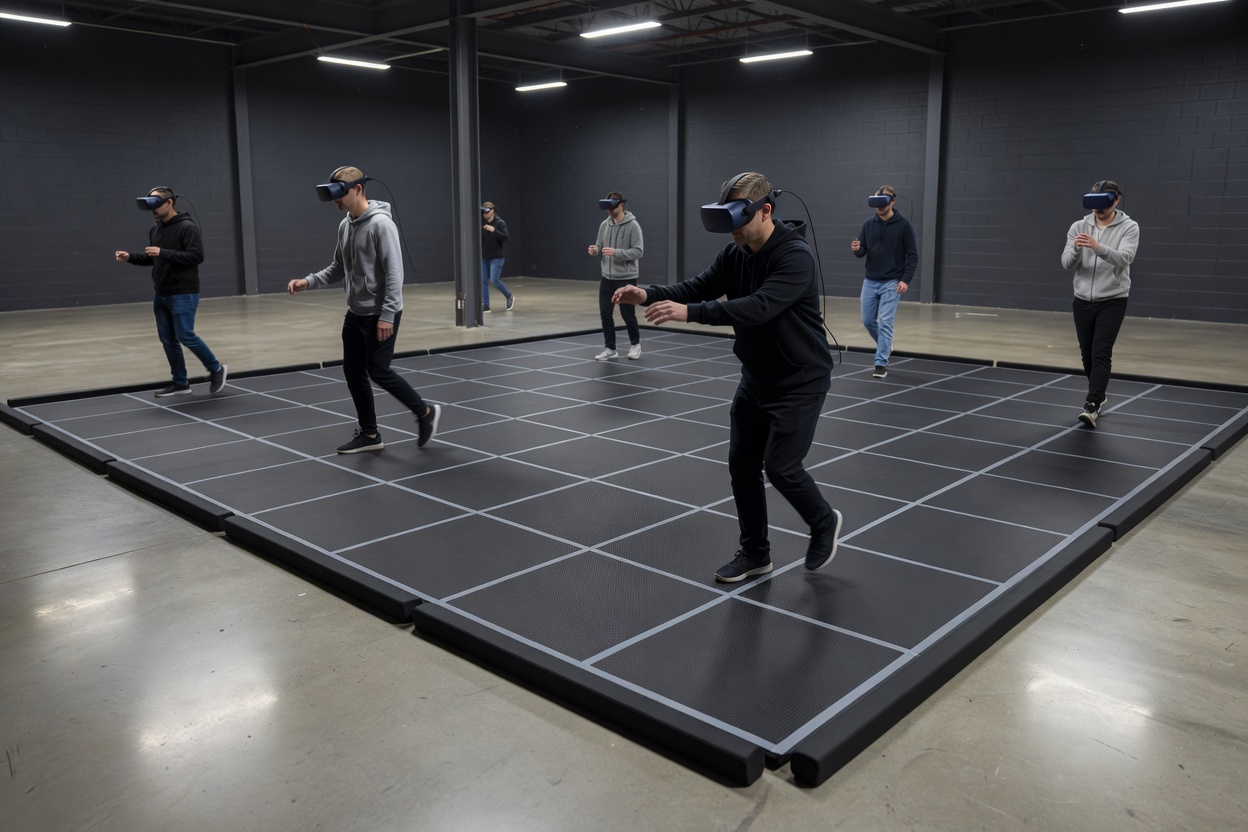
A clear physical play area matters just as much as what appears in a headset.
Four common ways to experience VR
Dedicated entertainment venues
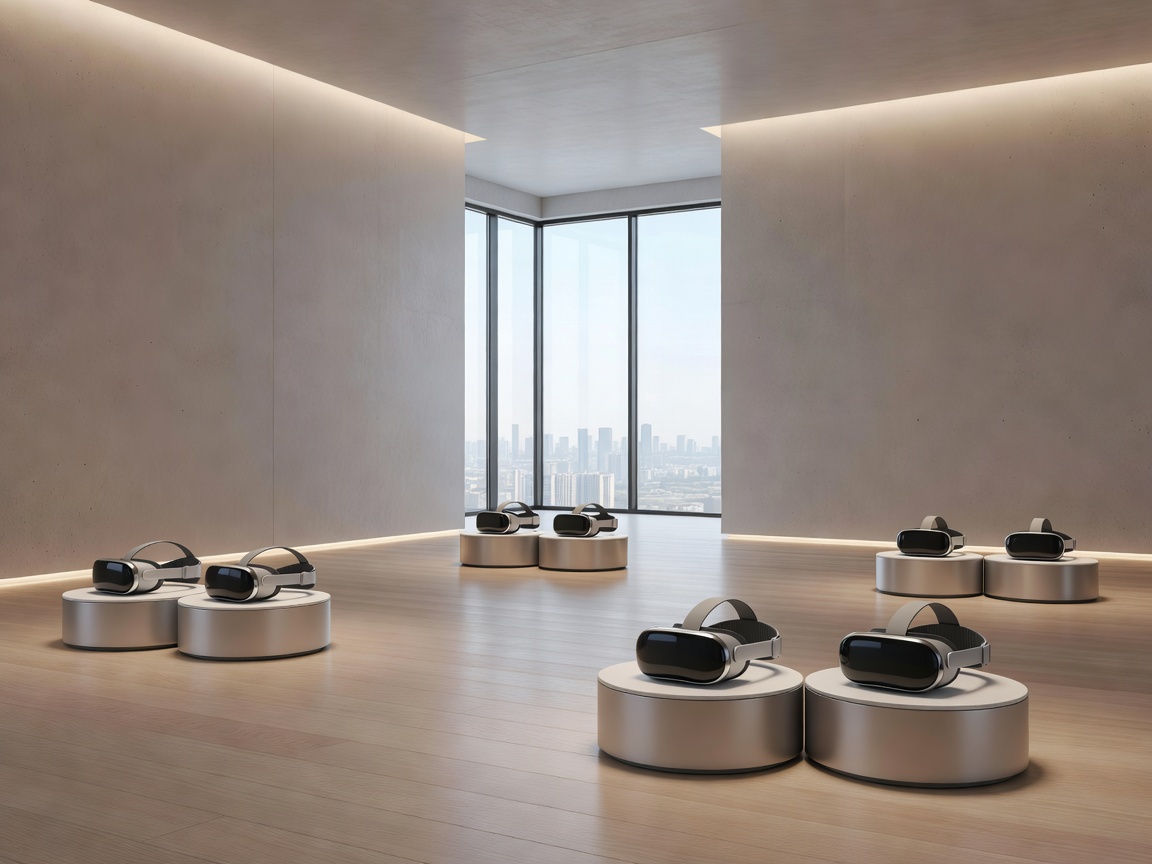
A venue can provide headsets, staff support, dedicated space, and experiences designed for a booked session. This removes the need to own equipment, but it also means the available titles, session rules, and group sizes are set by that location. Check the venue’s official information before travelling; offers and operating details can change.
Free-roam and location-based VR
Free-roam VR generally lets participants walk within a tracked physical area while their movement is represented in a digital environment. Some formats use individual headsets and shared tracking; others create a more compact room-scale experience. The real-world space remains bounded, so follow staff instructions and do not assume that the virtual scene shows every physical obstacle.
Location-based experiences can make a group visit feel more social and structured. They may be guided by a host or follow a timed scenario. Their limitations include fixed session times, venue accessibility, group-size rules, and the fact that equipment and content cannot necessarily be chosen individually.
Individual headset sessions
An individual experience places one person inside a virtual scene. The person may stand, sit, or move within a small defined area. A guide may introduce the experience, or the visitor may follow prompts independently. This format can be easier to schedule for one person, but it may provide less face-to-face interaction with companions during the session.
Multiplayer environments
Some experiences connect participants in the same virtual space. They might be in one venue or join remotely, depending on the service. Ask whether players share an experience directly, whether a facilitator is present, and what communication or account requirements apply. A group label does not necessarily mean every participant has identical movement or accessibility options.
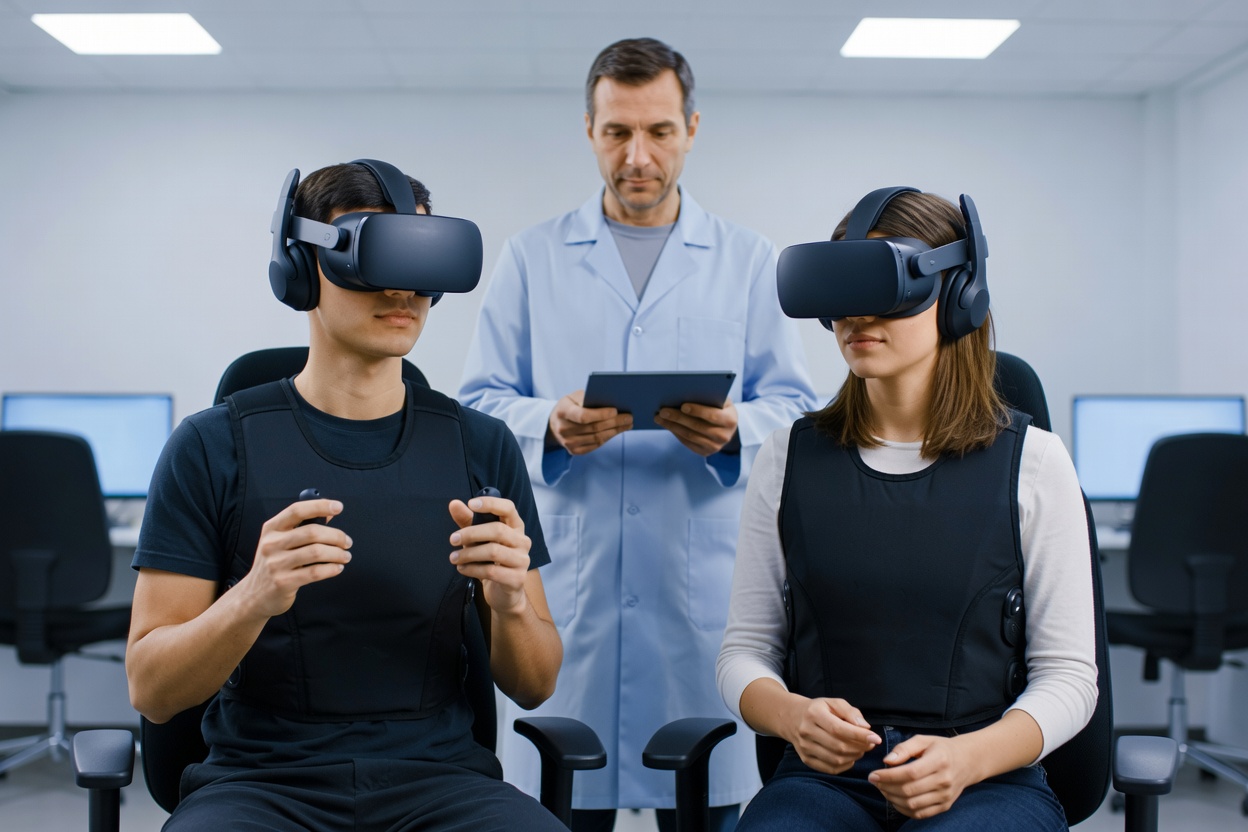
Shared virtual spaces can make an experience social, but the format varies.
Guided or self-directed?
Guided experiences offer orientation and can help visitors understand unfamiliar controls. They are useful for first-time users, school groups, or experiences with a clear narrative. Self-directed formats offer more freedom to explore at an individual pace, although they may assume some familiarity with menus or movement. Before booking, ask how much instruction is included and whether staff can help during the session.
What should a first-time visitor expect?
Expect to receive basic instructions, learn how the headset is fitted, and be told where it is safe to stand or walk. You may be asked to remove loose items, keep food and drink away from equipment, or pause if you feel uncomfortable. Session length often includes orientation and equipment fitting, not only time inside the experience. Confirm the full visit duration, arrival time, late-arrival rules, and whether bookings are required.
Prices, availability, age limits, and session formats depend on the specific venue and can change. Verify them directly with the official venue before making plans. If you are booking for a group, check whether everyone must participate, whether observers can attend, and whether separate sessions can be arranged.
Accessibility, comfort, and hygiene
Headsets can feel heavy or warm, and some digital movement can trigger nausea, dizziness, eyestrain, or disorientation. People vary in their response. Ask about seated modes, alternative controls, step-free access, hearing or vision accommodations, breaks, and the option to stop. A venue’s answer is more useful than a broad claim that an experience is “accessible.”
Check age restrictions and supervision requirements before booking, especially for children. Ask how face-contact surfaces are cleaned between visitors, whether disposable interfaces are available, and what hygiene routine the venue follows. These are reasonable practical questions, not signs that every venue handles equipment in the same way.
Compare before you book
Compare the type of movement, number of participants, staff support, headset fit, content intensity, session duration, cancellation terms, and accessibility information. Read the venue’s own current guidance rather than relying on an old listing. If the description does not say whether an experience is seated, free-roam, or multiplayer, ask for clarification.
First-visit checklist
- Confirm the date, booking terms, age rules, and total visit duration.
- Ask whether movement is seated, standing, room-scale, or free-roam.
- Share accessibility or comfort needs before arriving.
- Wear comfortable clothing and follow staff instructions.
- Stop and tell staff if you feel unwell or disoriented.
Good for
VR destinations can suit curious first-timers who want equipment support, groups looking for a shared activity, and visitors who want to try an experience without purchasing a headset. Guided sessions can make unfamiliar technology easier to approach. A quieter individual format may suit someone who prefers to explore at their own pace.
What to know
A headset does not automatically make an experience physically interactive, and an impressive visual environment does not guarantee comfort or accessibility. The physical room, tracking design, content choices, and staff guidance all affect the visit. Treat a venue description as a starting point and verify current practical details with the operator.
For related formats, read our guides to immersive museums and exhibitions and interactive entertainment worlds. To suggest a correction or ask a question, contact nordjoltsprigg.pics.